Offline
Video coming soon
What it's forSee your videos, messages and corrections again without internet.
Steps
- Under a lesson video, tap ⬇ Keep offline. Do it on Wi-Fi if you can.
- Messages and corrections you opened are kept by themselves.
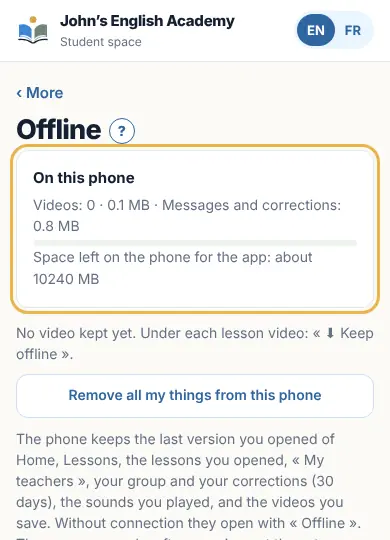
- Tap More, then Offline, to see what is kept.
Tips
You can keep 10 videos.
Your data is yours only. If someone else signs in on this phone, they don't see it.
Signing out doesn't erase it. It comes back when you sign in again.
Giving this phone away? Tap Remove all my data from this phone.
✉Still stuck?Write to us.