My group
Video coming soon
What it's forSpeak English every day with your group and your teachers.
Steps
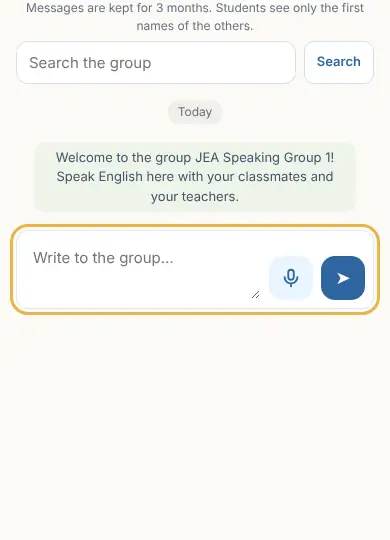
- Tap Messages, then My group.
- Type a message. Or record your voice.
- A voice message? Tap Transcribe to read it.
- A hard word? Select it. Tap Define. At the start of A1, also tap Translate the message.
- Looking for an old message? Tap the magnifying glass.
- To answer a precise message, swipe it to the right, or tap ••• then Reply. Tap the quote to see the message again.
Tips
Don't be afraid of mistakes. Everyone is here to learn.
The others only see your first name.
At the top, 📌 an important message from your teachers. Tap it to read it. It goes after 48 hours.
Messages stay for 3 months.
✉Still stuck?Write to us.